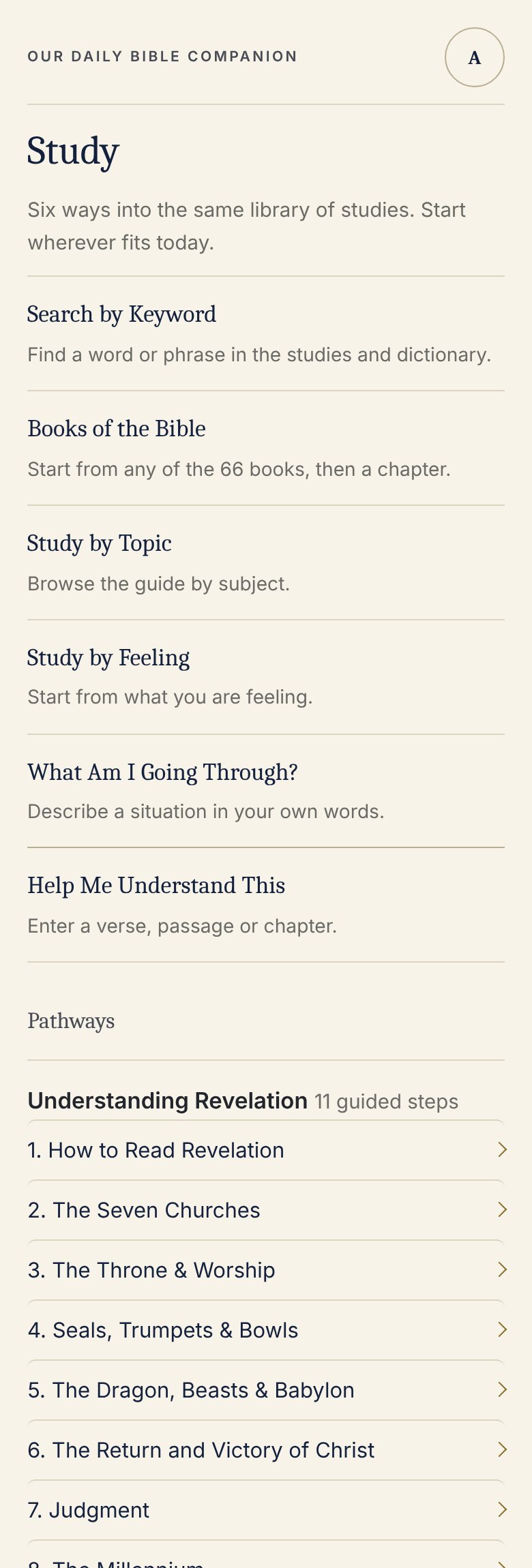
Study
Start in the Word.
Scripture first. Context before application. Practical relevance without changing what the text means.

Six ways in.
- Search by KeywordFind a word or phrase in the studies and the Bible dictionary.
- Books of the BibleStart from any of the 66 books, then a chapter.
- Study by TopicBrowse the guide by subject.
- Study by FeelingStart from what you are feeling.
- What Am I Going Through?Describe a situation in your own words.
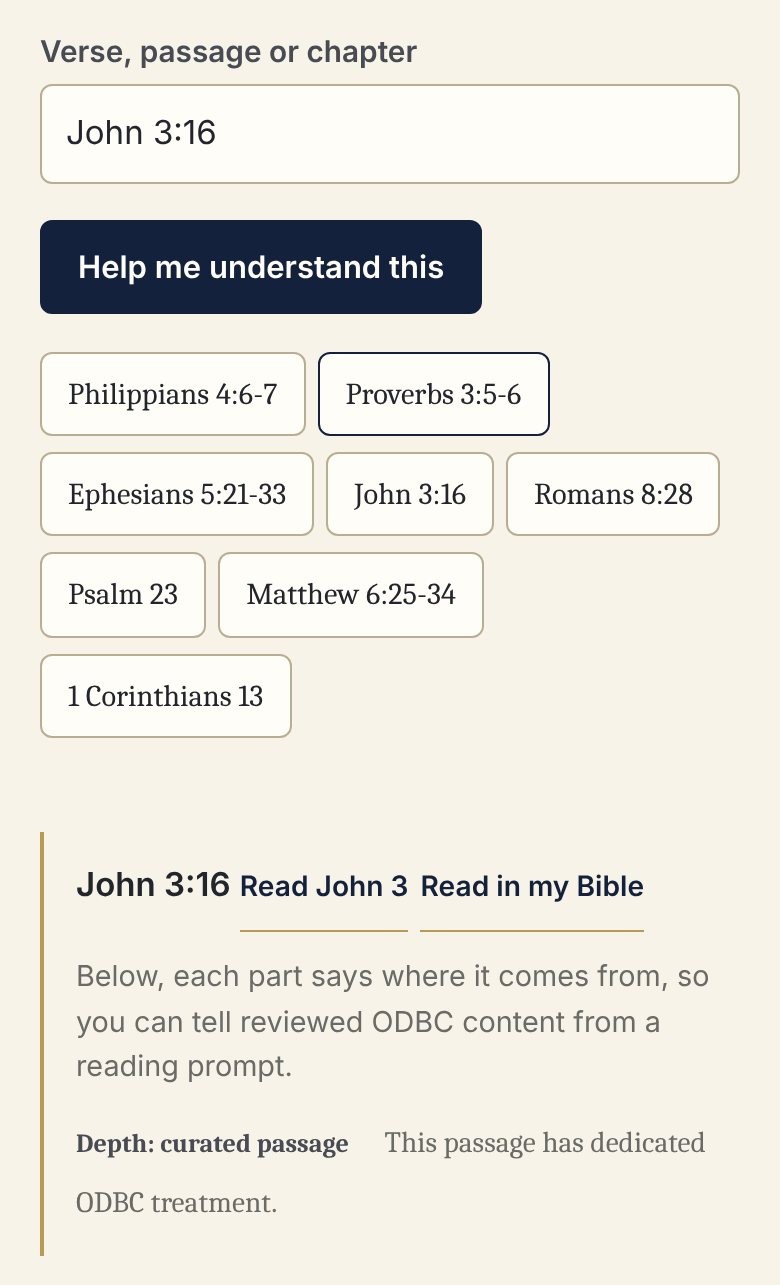
- Help Me Understand ThisEnter a verse, passage or Bible question.
The technology may be new. The biblical principle is not.
Read it in the Bible
Every study sends you back to the whole chapter.
Each passage comes with its reference and a way to read the full chapter, or to open it in your own Bible. ODBC points to Scripture. It does not stand in for it.
Scripture
Begin with what the text says.
Context
Where it comes from, and what surrounds it.
Understanding
What the passage means before you apply it.
Application
How to live it, alone and together.
Your personal study notes stay private. The conversations they open are meant for the two of you.
Begin together.
Start with the Word, and take it into the life you are building together.